What Does a VR Lesson Actually Look Like? A 40-Minute Walkthrough for CBSE Classrooms
A minute-by-minute look at one Class 8 Science period taught with VR: what the teacher prepares, what students do in the headset, and how learning is checked afterwards.
Most conversations about VR in schools stay at the level of promise: immersive, engaging, future-ready. School leaders and teachers usually want something more practical. What actually happens in the 40 minutes between two bells? Who does what, and how is it different from taking the class to a smart board?
This walkthrough follows one ordinary period — a Class 8 Science lesson on the human heart — from the staff room to the exit question. It reflects how Abhigyaan is used in classrooms today, including across 1,350 Zilla Parishad schools in Maharashtra reaching more than 1.5 million students.
Quick answer: what does a VR lesson look like?
A VR lesson is a normal period with a different middle. The teacher introduces the topic, students spend 10 to 15 minutes inside a guided immersive experience mapped to the chapter, and the class then discusses, practises and is assessed. The teacher stays in control throughout, and every student's activity is recorded for follow-up.
Before the bell: five minutes of preparation
A VR period does not need a new lesson plan. The teacher opens the chapter already scheduled for that week and picks the matching experience. For a lesson on the heart, that is a walkthrough of the four chambers and the path blood takes through them.
Pick the experience that maps to the chapter and the board, so the session reinforces the textbook instead of competing with it.
Check the headsets are charged and wiped, a job most schools hand to a student monitor.
Decide the groups. With a small set of headsets, students rotate while the rest follow on the classroom screen.
Minutes 0–8: set the question, not the technology
The strongest VR lessons start with a question students cannot yet answer. Why does the left side of the heart have a thicker wall than the right? Why does blood never flow backwards? The teacher writes the question on the board and asks for guesses. The headset is introduced as the way to find out, not as the event of the day.
Minutes 8–22: inside the experience
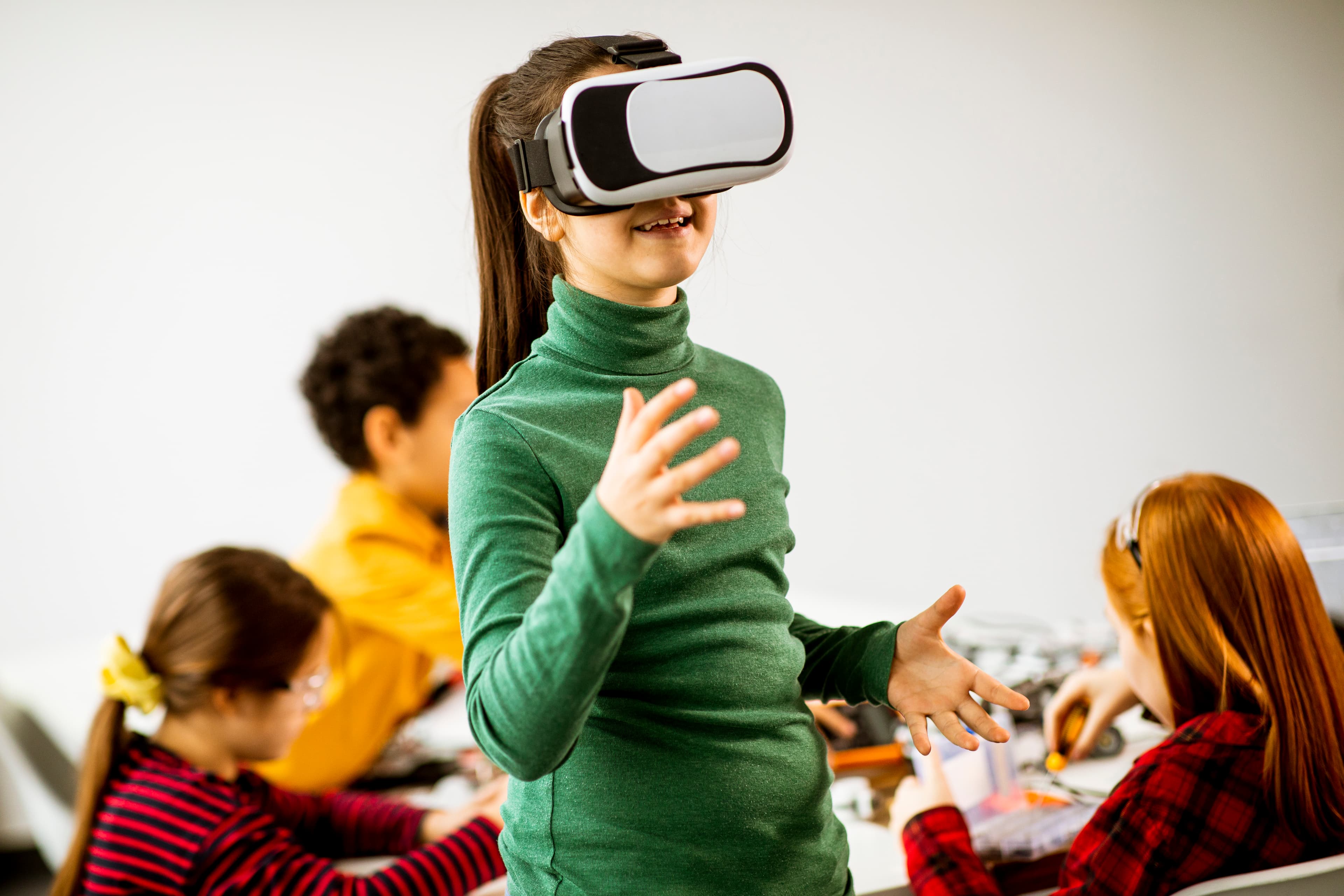
Students put on the headsets and find themselves standing inside a beating heart, at a scale no diagram can offer. They watch valves open and close, follow a red blood cell from the lungs to the body, and can stop to look closely at anything that catches their attention.
Three things make this part work in a real classroom:
The teacher leads the session. Teacher and students can be in the same immersive space together, so the teacher can point, pause and direct attention, exactly as in a physical lab.
Students can ask questions aloud. A voice-based AI tutor answers in the student's own language, which matters in classrooms where the medium of instruction is not English.
Nobody is left out. The same session runs in a browser, so students waiting for a headset follow on a laptop or the classroom display and still take part.
Minutes 22–32: headsets off, thinking on
This is the part that separates a lesson from a demo. Headsets come off and the class returns to the opening question. Students explain what they saw in their own words, draw and label the heart from memory, and correct each other. The teacher fills gaps and connects the experience back to the textbook diagram and the exam-style question that will follow.
Minutes 32–40: check what stuck
The period ends with a short check: a few questions, a quick game that drills the concept, or a one-line written answer to the opening question. Because the platform records what each student did during the experience, the teacher can see afterwards who completed it, who struggled and which concept needs another look in the next period.
What changes for the teacher?
Introduction: instead of explaining the diagram, the teacher poses a question to investigate.
Core activity: instead of reading and copying the diagram, students explore the concept at full scale.
Discussion: instead of a teacher-led recap, students explain what they observed.
Follow-up: instead of waiting for the next test, the teacher has per-student activity data after every session.
The teacher's role does not shrink. It shifts from describing something students cannot see to guiding them through something they have just experienced.
Where does this fit with NEP 2020 and CBSE?
NEP 2020 asks schools to move towards experiential, competency-based learning. A VR period is one practical way to do that inside the existing timetable: the chapter, the period length and the assessment stay the same, while the core activity becomes something students do instead of something they are told. For schools without a fully equipped science lab, it also makes practicals possible that would otherwise be skipped.
Frequently asked questions
How long should students wear a VR headset in one period?
Short, focused sessions work best. Most schools keep the immersive part to roughly 10 to 15 minutes within a period and use the remaining time for discussion and assessment.
Do we need one headset per student?
No. Schools typically run a small set of headsets in rotation, with the rest of the class following the same session on a screen or laptop.
Does the teacher need technical skills?
Teachers need hands-on training, not a technical background. Starting a session, guiding students and reading the results are designed to be classroom tasks.
Can VR lessons be taught in regional languages?
Yes. Abhigyaan supports multilingual content and a multilingual voice AI tutor, so students can learn in their medium of instruction.
See a VR period in your own school
The fastest way to judge a VR lesson is to watch your own students and teachers in one. Book a free on-site demo and we will run a full period with your class, on your syllabus.
- VR lessons
- CBSE
- NEP 2020
- Teacher enablement
Want to see Abhigyaan in your school?
Book a Demo →